

Designing for Accessibility: A Comprehensive Guide
Learn how to create inclusive designs that work for users with disabilities. Covers WCAG guidelines, testing methods, and practical implementation tips.

Discover comprehensive resources, tutorials, and documentation to master UX design and build exceptional user experiences. From beginner guides to advanced techniques.
Hand-picked content from our experts to help you master UX design principles and advanced techniques
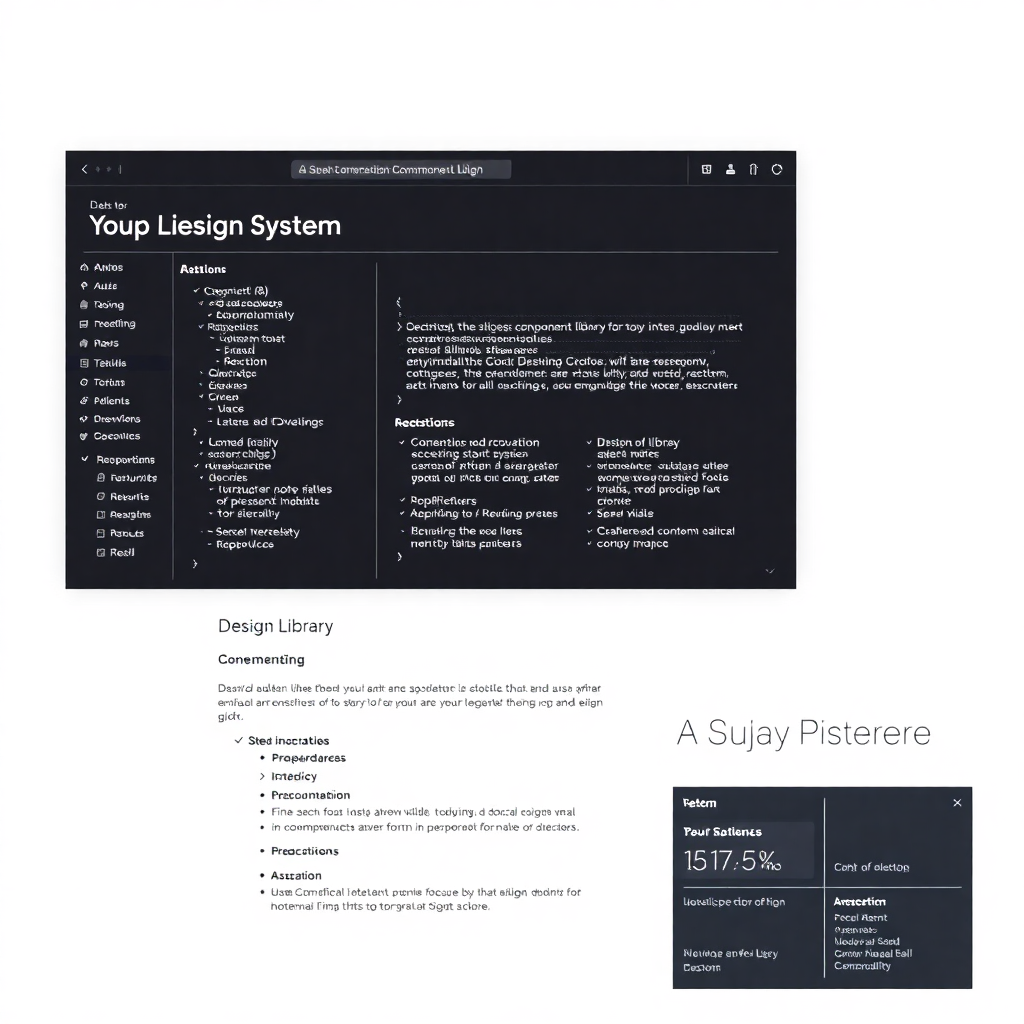
Learn how to create comprehensive design systems that scale across teams and products. This guide covers everything from atomic design principles to component libraries and documentation strategies.
Sarah Johnson
Senior UX Designer
Discover proven research methodologies that provide actionable insights for better design decisions.
Master advanced prototyping methods to create interactive and realistic user experience mockups.
Explore our comprehensive library of resources organized by topic and expertise level
Master the core principles of user experience design, from user research to information architecture.
Learn frontend development techniques to bring your designs to life with modern web technologies.
Discover methodologies and best practices for conducting effective user research and usability testing.
Create exceptional mobile experiences with platform-specific design patterns and guidelines.
Learn to measure design success through analytics, A/B testing, and user behavior analysis.
Build scalable design systems that ensure consistency across products and teams.
Stay updated with the latest trends, insights, and best practices in UX design
Learn how to create inclusive designs that work for users with disabilities. Covers WCAG guidelines, testing methods, and practical implementation tips.
Explore the latest visual design trends shaping user interfaces, from neumorphism to bold typography and micro-interactions.
Strategies for fostering user-centered thinking across teams and establishing UX processes that scale with your organization.
Discover how artificial intelligence is transforming the design process, from automated layouts to user behavior prediction.
Learn how to measure and improve key UX metrics that directly impact user satisfaction and business outcomes.
Best practices for maintaining and evolving design systems as your organization grows and product complexity increases.
Comprehensive documentation to help you get the most out of BrainPal's features and capabilities
Complete walkthrough for new users covering account setup, first project creation, and basic features overview.
Detailed API reference with code examples, authentication methods, and integration tutorials for developers.
Step-by-step tutorials for advanced features including collaboration tools, design systems, and automation.
Connect with other designers
Ask questions and share tips
Learn through visual guides
Find answers to common questions about BrainPal features, pricing, and best practices
Simply sign up for a free account, complete the onboarding process, and start with our beginner-friendly templates. Our getting started guide will walk you through your first project.
BrainPal integrates with popular design tools including Figma, Sketch, Adobe XD, and InVision. We also support imports from most major design file formats.
Yes! BrainPal offers real-time collaboration features, shared workspaces, comment systems, and version control to help teams work together effectively.
Currently, BrainPal is available as a web application optimized for desktop and tablet use. A dedicated mobile app is in development for 2024.
The free plan includes 3 projects, basic templates, community support, and access to essential design tools. Perfect for individual designers and small projects.
We use enterprise-grade security including encryption in transit and at rest, regular security audits, and comply with GDPR and SOC 2 standards to protect your data.
Yes! We offer live webinars, on-demand training courses, and custom workshops for teams. Check our events calendar for upcoming sessions.
Our support team is available via live chat, email, and our community forums. Premium users get priority support with faster response times.
Still have questions?
Free tools, templates, and resources to accelerate your design workflow and improve productivity
Create harmonious color schemes with our AI-powered palette generator
Ensure perfect typography with contrast and readability analysis
Present your designs in realistic device mockups and contexts
Comprehensive checklist to audit and improve user experiences